Tool for journalists: SumAll, for gauging your social media presence
This automation tool will send out email digests and social media posts breaking down key metrics such as mention reach, likes and new followers on a daily and weekly basis
This article was migrated from an old version of our website in 2025. As a result, it might have some low-quality images or non-functioning links - if there's any issues you'd like to see fixed, get in touch with us at info@journalism.co.uk.
What is it?
SumAll is a cross-platform automated analytics tool which allows journalists to receive daily and weekly updates on their social media performance through scheduled email digests and social media posts.
How is it of use to journalists?
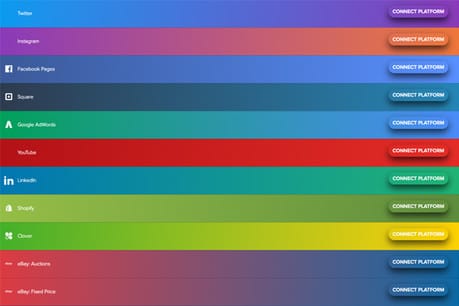
To use SumAll, you need to link at least one social media or e-commerce platform to your account, to keep tabs on the performance of those accounts.
Importantly for journalists, this includes household names such as Twitter, YouTube, and Instagram.
Once you have at least one platform connected, you can start scheduling performance posts with the home screen dashboard under the ‘automate’ heading.
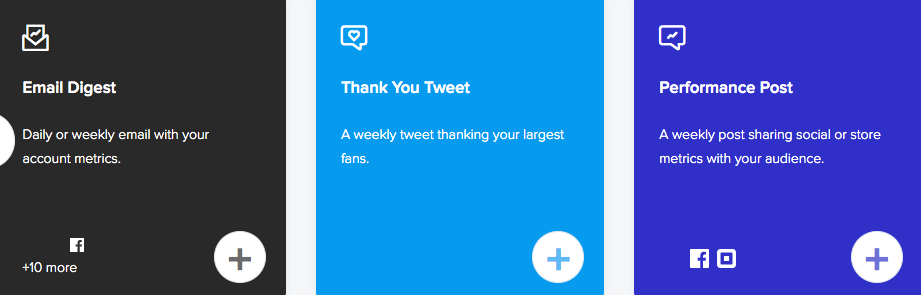
The home screen will enable you to create automations depending on what accounts you have connected.
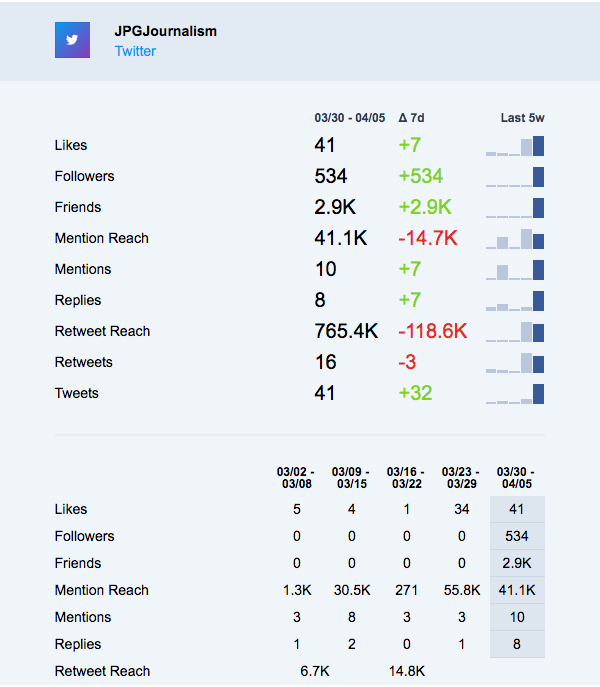
With your Twitter account synchronised, you will be able to set-up a daily or weekly email digest, which will send you week-on-week breakdown comparisons on likes, followers, mention reach and so on, dating back for the last five weeks.
Email digest on my Twitter account
You can also set-up automated ‘thank you tweets’ and ‘performance post’, which will either give an automatic shout-out to your biggest social fans or showing off your top metric to your followers.
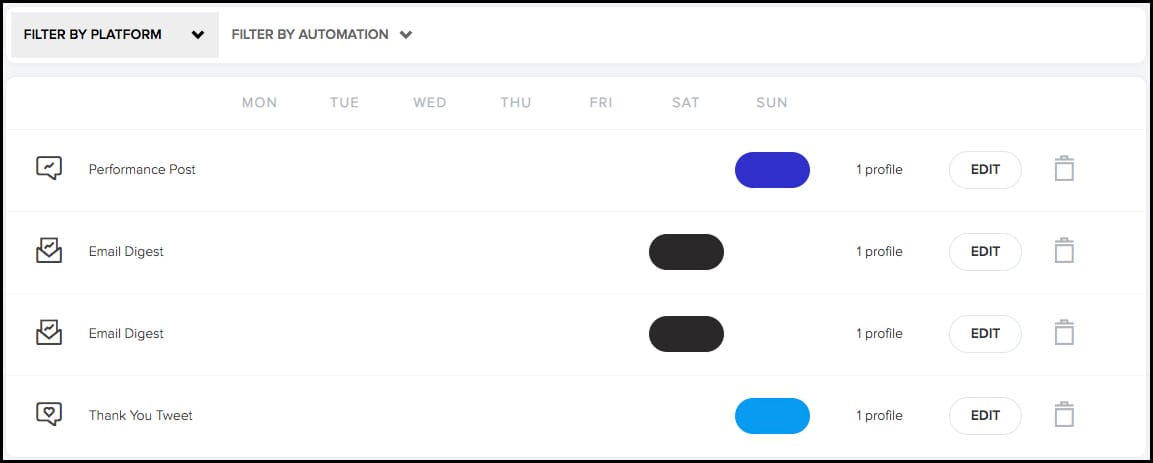
Lower down on the dashboard there is a calendar, where two drop-down menus give you the option to look at your scheduled posts ‘by platform’ or ‘by automation’.
On the calendar itself, you will see what types of posts are going out when. You can update which day your posts go out on or change the linked account by hitting ‘edit’.
Look furthest to the right and you will also notice a small ‘bin’ icon, which will get rid of the associated post.
You can also head to your account settings to mass cancel all posts, emails or third-party logins.