10 video editing apps for mobile journalists
You do not need high-end professional cameras to capture dynamic video content. A good app on your smartphone will do the job

– 5 min read


You do not need high-end professional cameras to capture dynamic video content. A good app on your smartphone will do the job
This article was migrated from an old version of our website in 2025. As a result, it might have some low-quality images or non-functioning links - if there's any issues you'd like to see fixed, get in touch with us at info@journalism.co.uk.
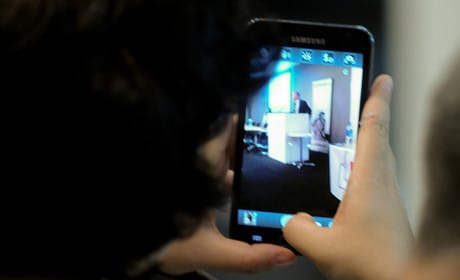
Mobile phones are often called 'a recording studio in our back pocket'. They make it so easy to record and edit professional-looking video content in a range of scenarios and situations, provided you have the right software.
There are plenty of good video editing apps. We picked ten that can make your videos stand out.
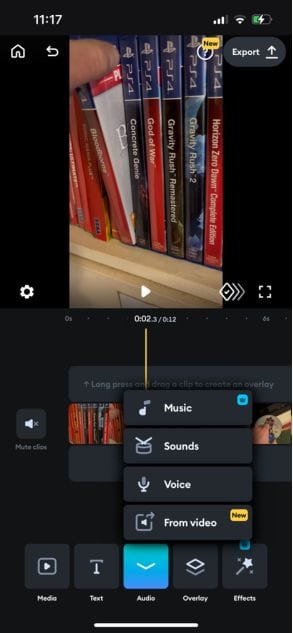
Price: Freemium. Paid-for tiers include Lite (£4.99 a week) and Premium (£9.99 a week). Free trial available.
Splice is best known for its cloud-based music sample library. The free version allows basic video editing with voiceovers and sound effects.
Say goodbye to royalty-free music sites. The premium version allows you to pull music from the library straight into the video editor.
There is also a solid range of effects, filters and features. Like many tools on this list, the app makes it easy to drag assets around to alter the length and change the order of clips.
Price: Freemium. Paid-for version £6.99 a month.
Vimeo-owned Magisto is an AI-powered video editor. Simply upload your clips, pick out a theme and the AI will spit out a short clip that you can edit or leave as it is.
There used to be something here that couldn't be migrated - please contact us at info@journalism.co.uk if you'd like to see this updated!
The free plan will do this at the cost of a watermark on the video and limited clip length. You have to pay to get rid of the watermark and get more features.
Price: Free
A popular all-in-one editing app commonly used for TikTok videos since it is free, albeit with a watermark at the end of your video.
A new stand-out feature is its beta AI writer tool. This can produce a script for you based on a few inputs, which, when imported into the video, can double up as subtitles, completely removing a step in your workflow.
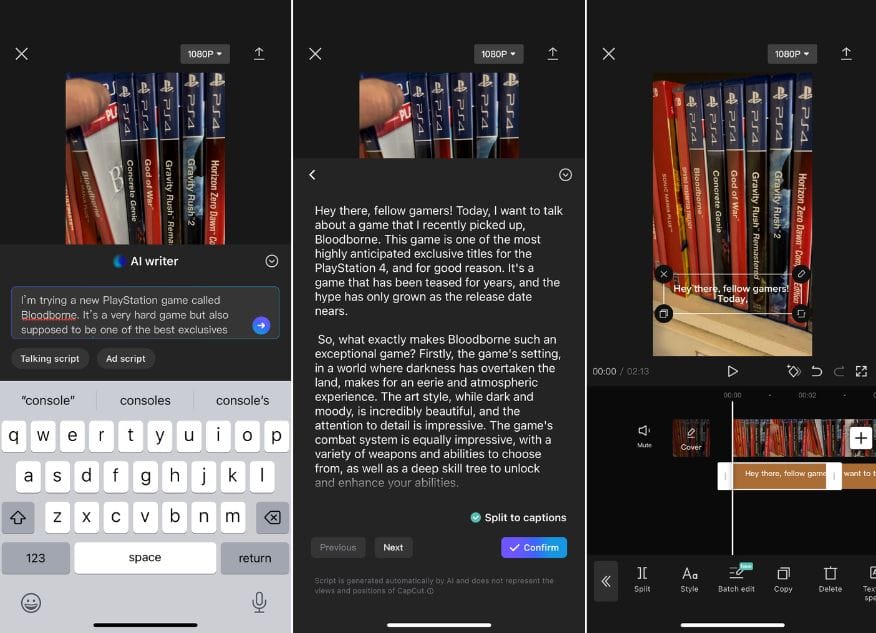
Just as you would hope, all of this is editable, from the copy to the text style.
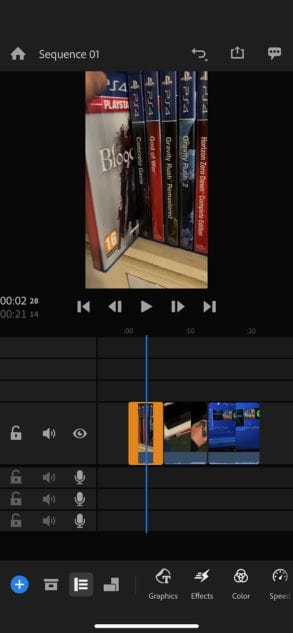
Price: Freemium. Paid-for version £4.99 a month / £33.99 a year, with a three-day free trial. Also included in the Creative Cloud Express subscription with other apps (£8.99 a month / £89.99 a year, with a 14-day free trial).
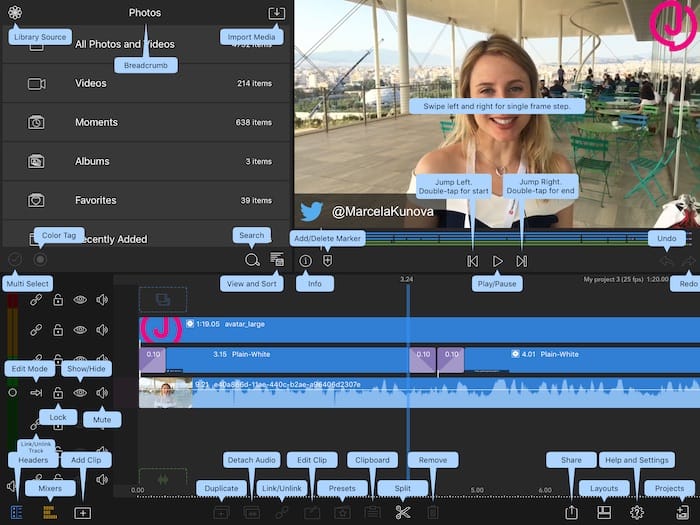
This app is just like the desktop version of Premiere that we all know and love. Except you can import assets from your mobile and export them straight to social media.
There are loads of video and audio tracks for more complicated works.
The free version provides unlimited exports and the premium has a range of added features and benefits, including the ability to sync projects to other devices.
Price: £29.99 (one-off purchase)
This is a complete video editor. You need to buy the app outright, but it has just about everything. Another solid option for more complicated video projects with multiple layers and assets.
Price: Freemium. Paid-for version £11.49 a month, with three-day free trial.
A reliable video editor with a good suite of transitions and stock video options. Useful for quick videos. Update to the paid version to remove the watermark.
There used to be something here that couldn't be migrated - please contact us at info@journalism.co.uk if you'd like to see this updated!
You can also sign up to its Wondershare service for free to get an auto-captions feature.
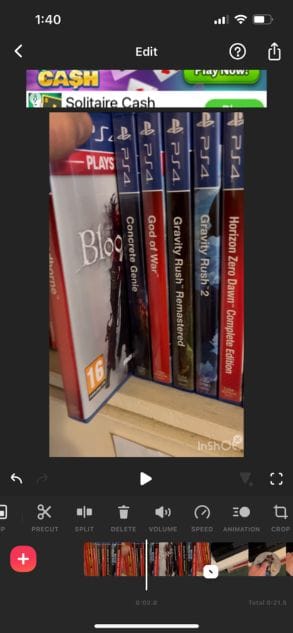
Price: Free (with ads and watermarks). Premium (no ads or watermarks, plus more tools and effects) £3.49 a month / £13.49 a year / £39.99 purchase. Three-day free trial available.
There is a good, free video editor here if you can put up with ads on your editing screen. Just try not to misclick.
InShot doubles up as a photo editor and a collage maker. That should save some space on your home screen.
Price: Freemium. Paid-for version £7.99 a month / £36.99 a year / £79.99 purchase.
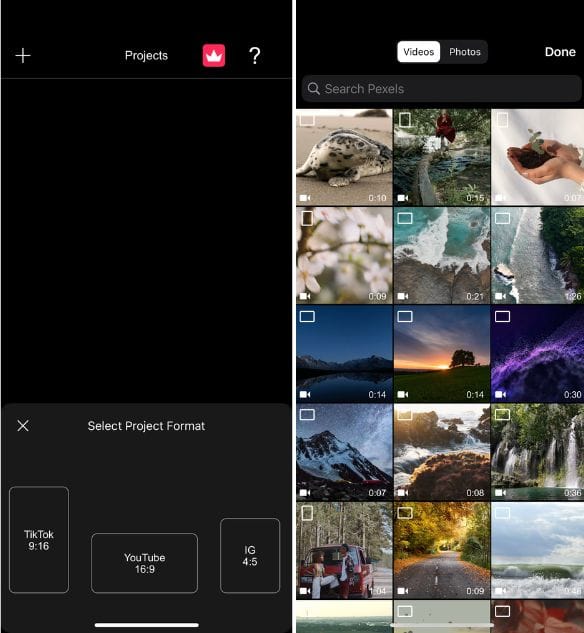
This video editor is designed to create videos for specific platforms, like YouTube, TikTok or Instagram. You can also import free video straight from stock footage provider Pexels.
Price: Freemium. Paid-for version £4.99 a month / £24.49 a year. Three-day free trial available.
A more creative option that has plenty to play around with the free version. You can change your background, become a Pixar avatar or spruce up your video with a theme pack.
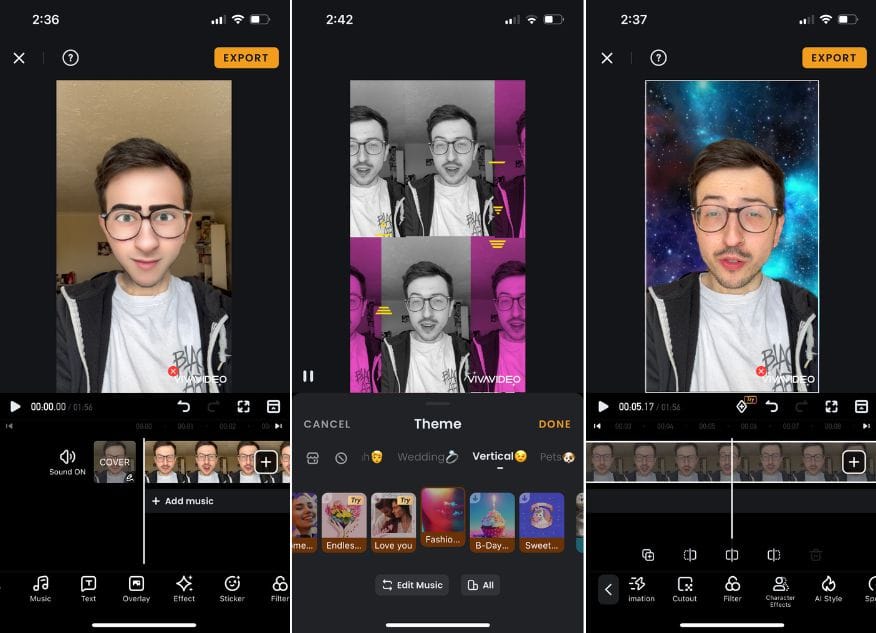
As with most tools, once you pay, the fancier features come out to play.
Devices: iOS exclusive
Price: Freemium. Paid for version £9.99 a month / £34.99 a year. Three-day free trial available.
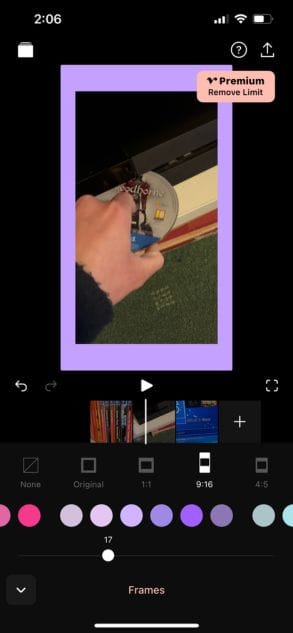
This is a video editor with its best features locked behind the paid-for version. You can do the basics here, but the frames (good for Stories format) and music beds are paywalled.
This article was first published on 7 August 2015 by Mădălina Ciobanu, exclusively including free video editing tools. It has been updated on 26 July 2023 by Jacob Granger, removing apps that are defunct and including a range of paid-for apps.