Prompting tips for journalists using AI image generators
Can't get the machine to do what you want? Tired of awkward pictures of white men? We're here to help

– 6 min read


Can't get the machine to do what you want? Tired of awkward pictures of white men? We're here to help
This article was migrated from an old version of our website in 2025. As a result, it might have some low-quality images or non-functioning links - if there's any issues you'd like to see fixed, get in touch with us at info@journalism.co.uk.
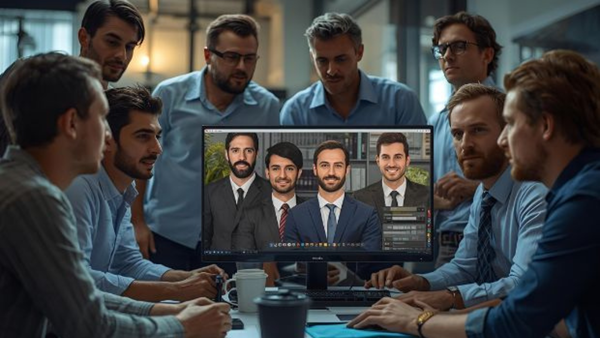
You wouldn't believe the trouble I had the recently trying to get a generative AI image creator to do what I wanted it to do. I wanted a creative image that depicted a line of people representing different emotions in vibrant colours.
If they were not a pain to crop nicely, they were facing all sorts of directions. And then as my collaborator Luba Kassova pointed out, they were not a diverse bunch. Sometimes they were all Caucasian. Some were all men. One was one man in the middle of a group of women. She wrote about this problem a while back.
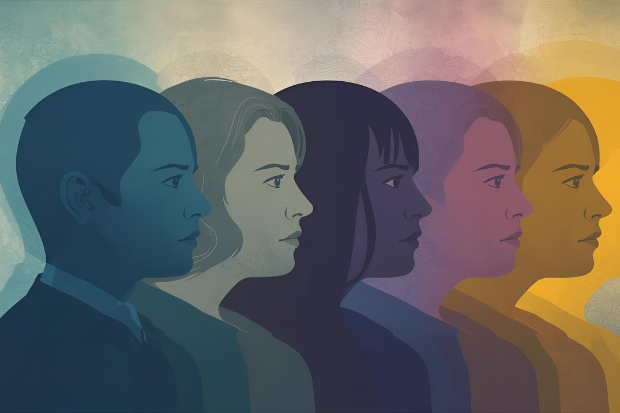
So I specified: two men, two women. One of each race: white, black, Hispanic and Asian. Facing all in the right hand direction. I still got lots of Caucasians. I still had people facing the wrong way. I sometimes got five or six people. Some didn't have eyes. The problems magnified.
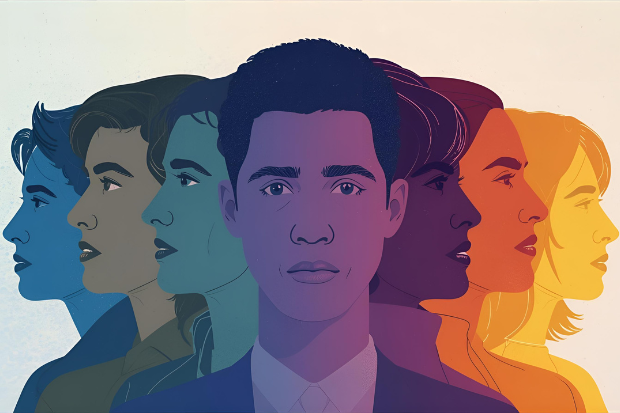
Eventually we settled on one that seemed good enough (but I eventually scrapped it in favour of a more human approach when we relaunched our website recently).
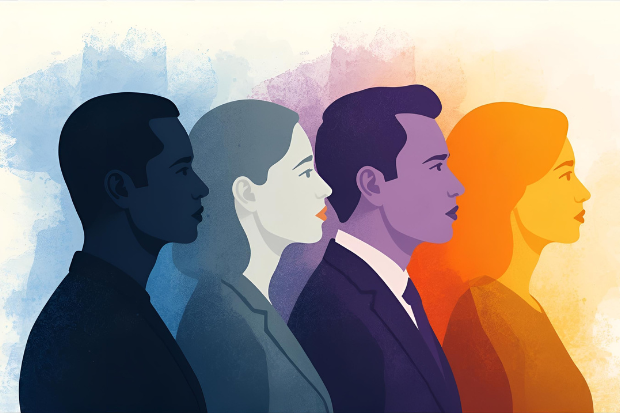
Nevertheless, it left me with a lot of valuable lessons learned, that I wanted to share with you. One of those lessons is that you have to engineer your prompts with different platforms in mind:
Where it thrives:
Where it struggles:
If it’s not working, try:
Where it thrives:
Where it struggles:
If it’s not working, try:
Where it thrives:
Where it struggles:
If it’s not working, try:
 Marcela Kunova
Where it thrives:
Where it struggles:
If it’s not working, try:
Where it thrives:
Where it struggles:
If it’s not working, try:
Leverage strengths: Use each tool for what it does best—creative, simple, or brand-safe visuals.
Tailor prompts: Be specific, iterate, and combine or edit outputs as needed for the best result.
Address diversity bias: All major tools can reflect bias in their outputs. Always specify diversity in your prompts (gender, ethnicity, age, ability, etc.), and critically review images to avoid stereotypes or exclusion. If needed, generate multiple images and select or edit for fairer representation.
Editorial integrity and transparency: Always label AI-generated images clearly (using captions, watermarks, or metadata) and disclose their use to your audience. Develop and follow newsroom policies for transparency around AI-generated content.
Legal and copyright risks: Be aware that copyright law for AI-generated images is unsettled, with ongoing lawsuits (especially involving Midjourney and Stable Diffusion). Ownership and commercial use rights may be unclear—always check platform terms and seek legal advice before using AI images commercially, except where platforms like Adobe Firefly explicitly guarantee safe use.
Misinformation and deepfakes: Photorealistic AI images can easily be mistaken for real events. Never use AI-generated visuals for crime scenes, political coverage, disasters, or to depict real people or events—especially where accuracy is critical or harm could result. Always fact-check AI outputs for plausibility, anachronisms, or misleading details.
Ethical considerations: Consider the environmental impact of AI image generation (high energy use) and the effect on human creators. Avoid using AI to mimic the style of living artists without consent, and support freelance photographers and illustrators where possible.
Know when to use traditional methods: For sensitive, factual, or high-stakes reporting, traditional photography or illustration is often the safer and more ethical choice. Use AI-generated images mainly for conceptual, illustrative, or background purposes.
Fact-check AI outputs: AI can generate plausible but incorrect or impossible visuals. Always review images for accuracy and context before publication
Note: As these tools evolve, expect their strengths to broaden and their weaknesses to narrow—especially in group composition, realism, and representation. For now, strategic prompt engineering, post-editing, and a critical eye for diversity are key to unlocking their full potential for journalism.
This article was drafted by an AI assistant before it was edited by a human. It was originally published on 2 October 2025 and was updated on 5 November with new information