19 sources of free images for journalists
AI-generated, stock, creative commons and more. We've got you sorted when you need a picture for your next article

– 3 min read


AI-generated, stock, creative commons and more. We've got you sorted when you need a picture for your next article
This article was migrated from an old version of our website in 2025. As a result, it might have some low-quality images or non-functioning links - if there's any issues you'd like to see fixed, get in touch with us at info@journalism.co.uk.
We all know the deal. Your story is good to go, you just need an image to go with it. Where do you head? Depending on your needs, there are a few options.
A prime candidate for most run-of-the-mill articles. There's many places you can get basic and free stock images, including Unsplash and Pixabay. These all have premium tiers as well for some of the better shots.
Pexels has a one-click option to edit the image in the graphic design tool Canva, which has its own range of stock images, both free and premium.
Remember to check usage and attribution rights, and include accreditation, whether or not it is required. It's good practice.
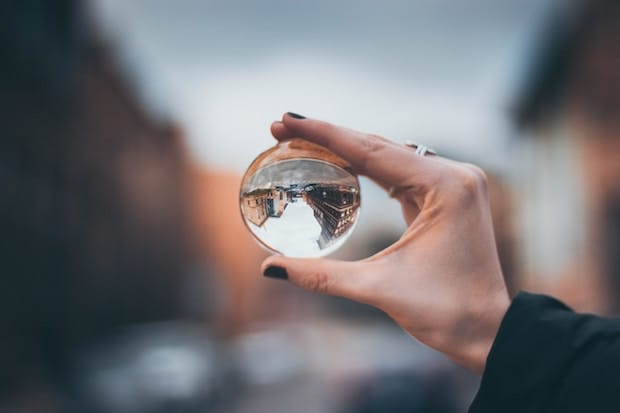
Websites like Adobe, Shutterstock and Getty Images provide premium stock images on a subscription basis, depending on your needs.
A lesser-known option in Death To The Stock Photo, which offers high-quality "trending" images and a membership scheme.
After something more specific? We Animals Archive specialises in photography that highlights the lives of animals used for food, fashion, entertainment, work, religion, and experimentation. Science Photo Library is exactly what you think it is. Chances are, if the standard options don't cut it, there's a specialist site for you.
Unless otherwise stated, all content on the Creative Commons website is licensed under a Creative Commons Attribution 4.0 International licence, though there are other types of Creative Commons licences.
The 4.0 licence means that the material is free to copy, share and adapt for any use, including commercial, so long as appropriate credit is given. The website also provides public domain content, which means you can help yourself to it.
You'll find content covered by the licence on Wikimedia, or on a basic Google Images search, you can hit "tools" - "usage rights" - "creative commons licences" to find websites offering this. Always double-check the usage rights on the website.
Images on Flickr quite often have Creative Commons licences, but image owners can put any usage rights they want on their content, so always check before using.
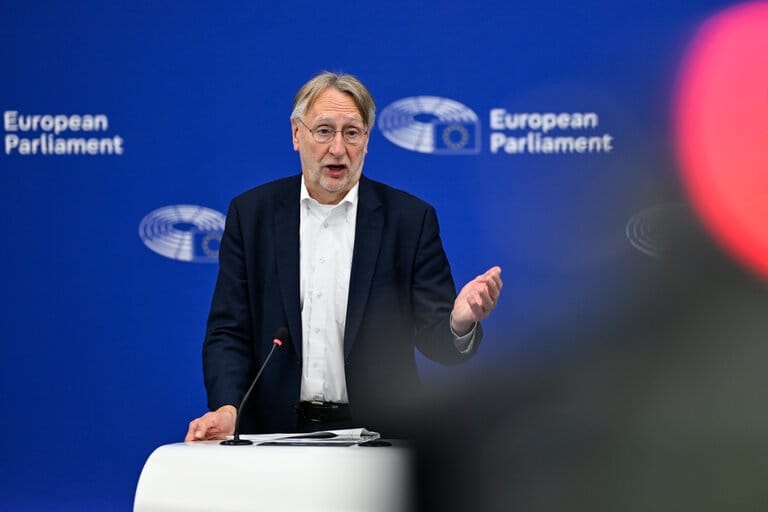
The European Union's multimedia centre has a range of free-to-use photos from its sessions and events. Normally, it requires you to simply credit the source (The EU and/or photographer), but check every image's usage rights to be certain. Many political institutions operate this way.
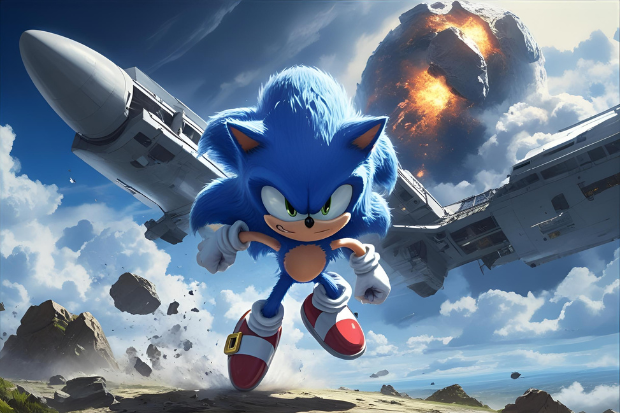
We were going to get there eventually. AI-generated images give us endless possibilities, but definitely have that look and feel about them.
There's lots of places to generate your own images with AI, the usual suspects being premium tools like Midjourney, Generative AI by Getty Images and DALL-E 3 via Chat GPT.
Canva also has many AI image generators on its individual Pro plans, and Google Labs FX is as smart as it gets (you need a Google account).
You can crowdsource images from social media by gaining the permission of the original copyright holder. Yes, copyright does exist on social media and you cannot simply help yourself.
You can just take your own pictures, you know? Your mobile is good enough for the job if you do it right.
Read more:
Did we miss any sources? Send me your tips
This article was first published on 31 July 2019 by Jacob Granger. It has been updated on 20 August 2025 by Jacob Granger, consolidating the selections and adding new ones